
Device takeover
A poorly secured smart device can give someone else access to it.
Your Wi-Fi connects more than your laptop. HomeNetChecker helps you spot unfamiliar devices and security gaps, then shows you what to do next.
Two devices need a look.
Here's where to start.

Cameras, TVs, speakers, and smart locks are part of your network, too. Their security deserves a closer look.
A poorly secured smart device can give someone else access to it.

Unsecured connections can expose information as it travels.

Compromised devices can be recruited to attack other networks.

Some attacks corrupt a device's software and stop it working.
Understand your network without becoming the household IT expert.
Check device settings and known weaknesses.
Find out when your network needs attention.
Notice unfamiliar additions to your Wi-Fi.
See where to focus at a glance.
Get instructions for addressing findings.
Stay informed as new device risks emerge.
A simple mobile view of your devices, your network health, and the things that need a look.
Recognise what's connected, from your TV to the camera by the front door.
Keep useful updates close, without sorting through technical details.
Open a finding to understand it and see what to check next.
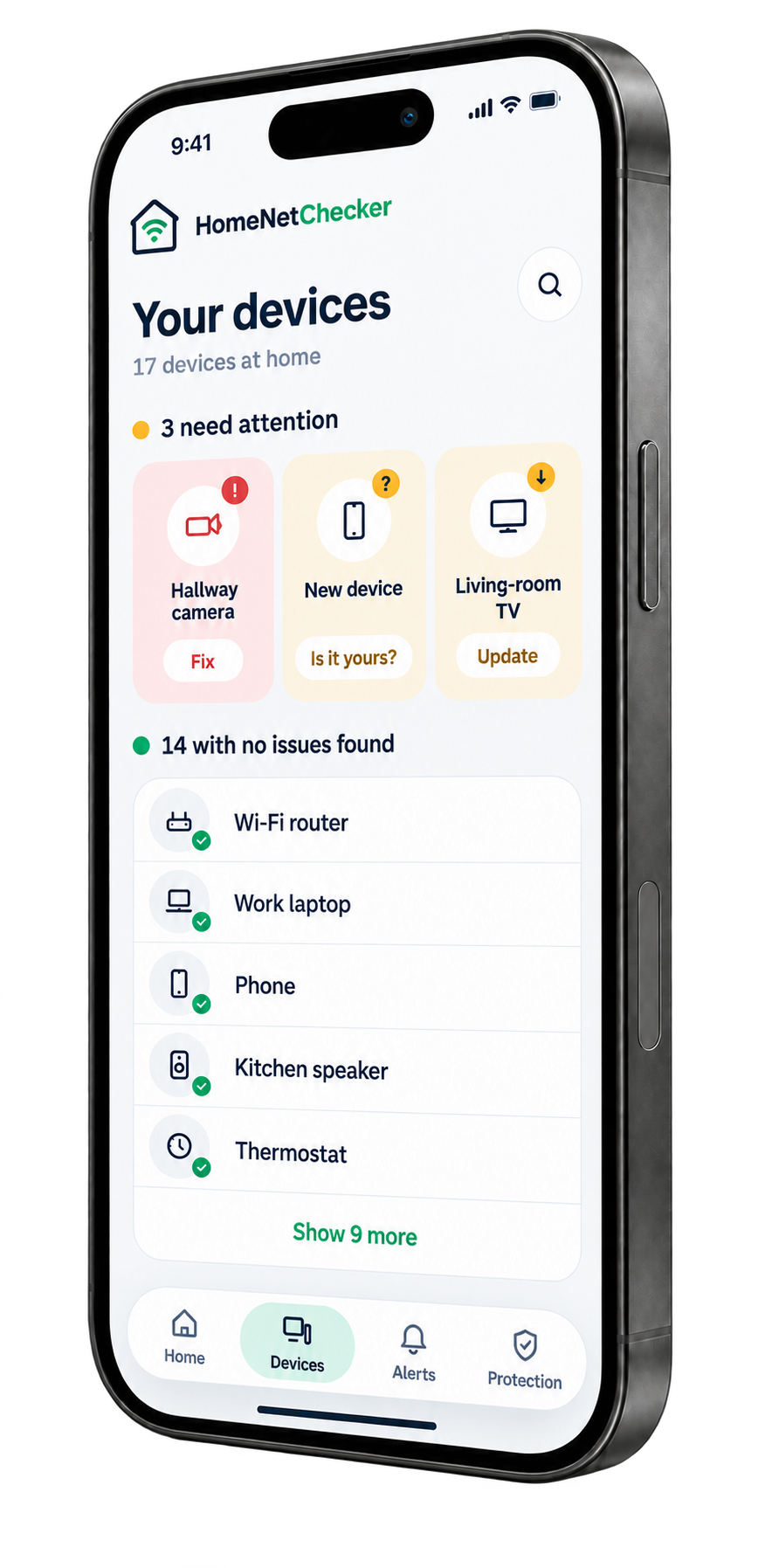
Your home Wi-Fi
Two devices need
a closer look.
Home Wi-Fi · Sample data
Showing 4 of 12 example devices.
Updates from your sample network
On any PC or Mac connected to your home Wi-Fi.
Within minutes you’ll see every device, its status and known vulnerabilities.
Get a health score and step-by-step guides to fix the issues.
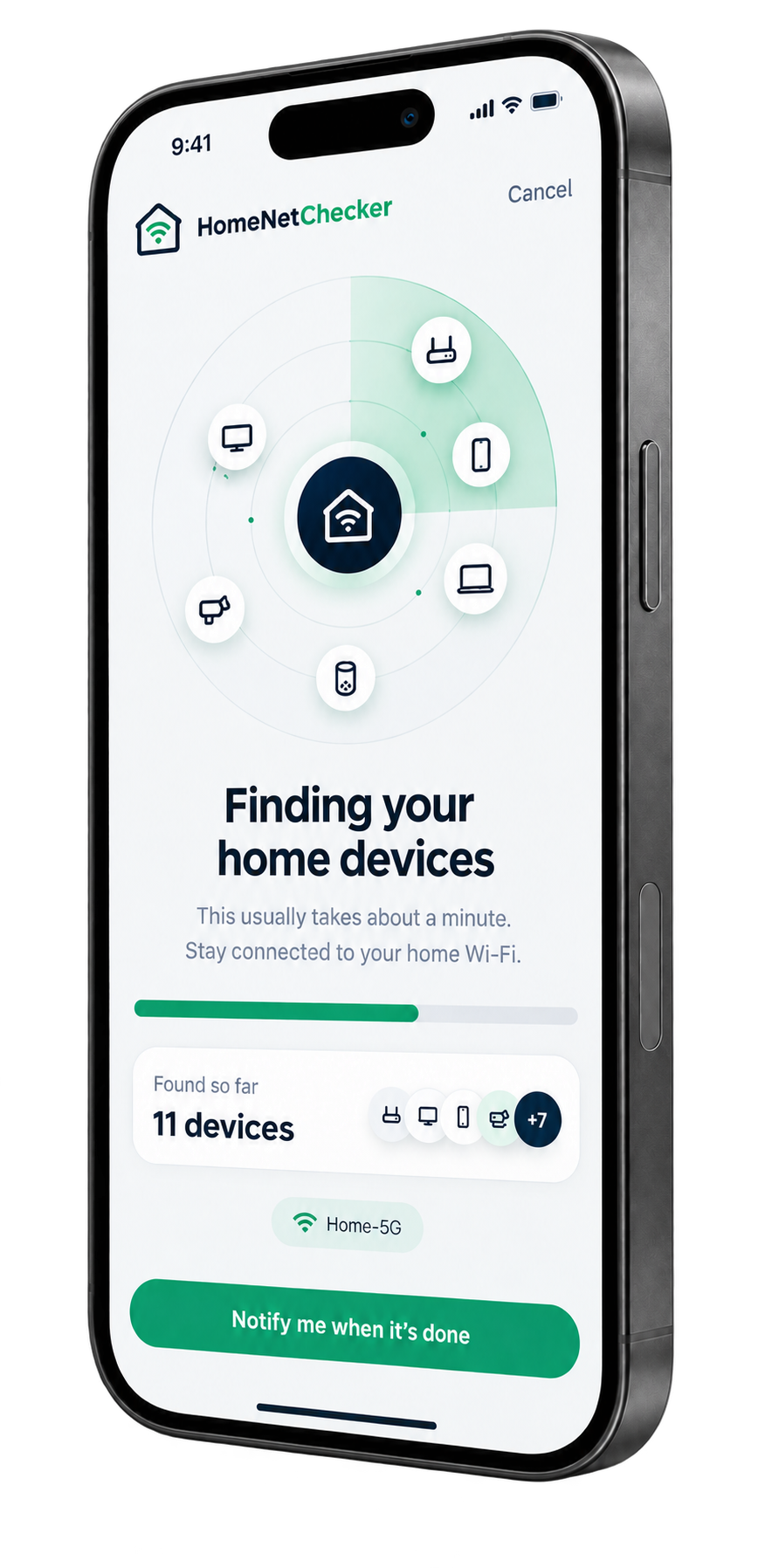
See your connected devices and network health in one place.
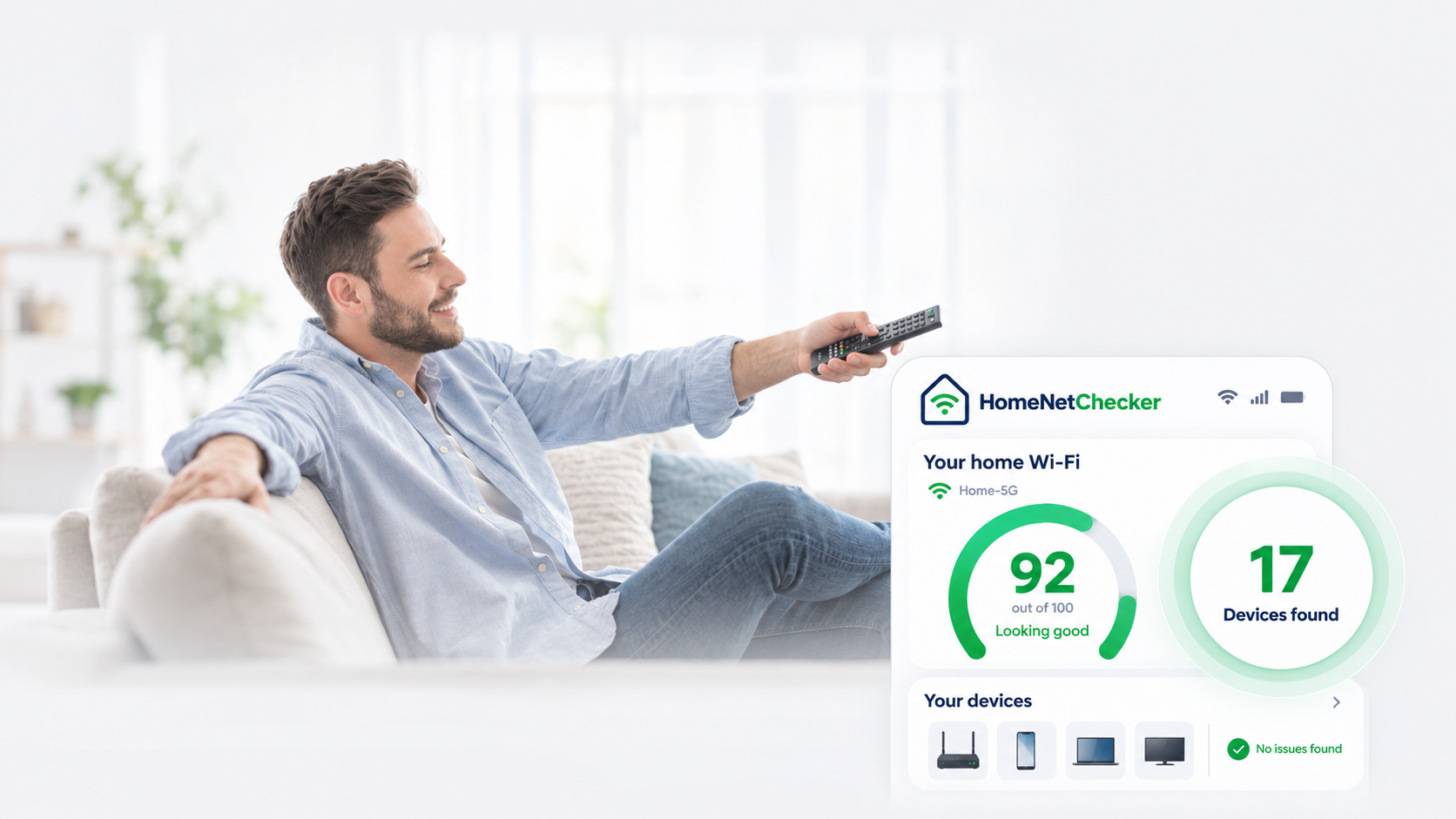
 Starts finding devices in minutes
 2 minutes to set up and install
 Automatic protection 24/7
 Proactive scanning
 No limit on devices it finds
 Install on PC or Mac
Billed yearly at $99.99
Your home network, checked.
Cancel any time.30-day money-back guarantee.
Here's what to expect before checking your network.
It is designed to identify connected devices and flag security settings or device software that may need attention. The report helps you decide what to check first.
No. Start with the device name and status. Technical details are there when you need them, alongside a suggested next step.
Keep your antivirus. HomeNetChecker focuses on the network and connected devices, so you can consider their security alongside the protection on your computer.
The scanner is intended to assess device information and configuration, rather than message contents. Your conversations are not needed to understand which devices are connected.
Choose “Scan my network” for setup options. You can also explore the sample report on this page to see how findings and recommended actions are presented.
Start by knowing what's connected.